

Multi‑site
Several buildings, one phone system
Dial a three‑digit extension from the warehouse and ring a desk at head office. Move a call across town without it leaving the building twice. And have each site’s own street address reach a dispatcher.
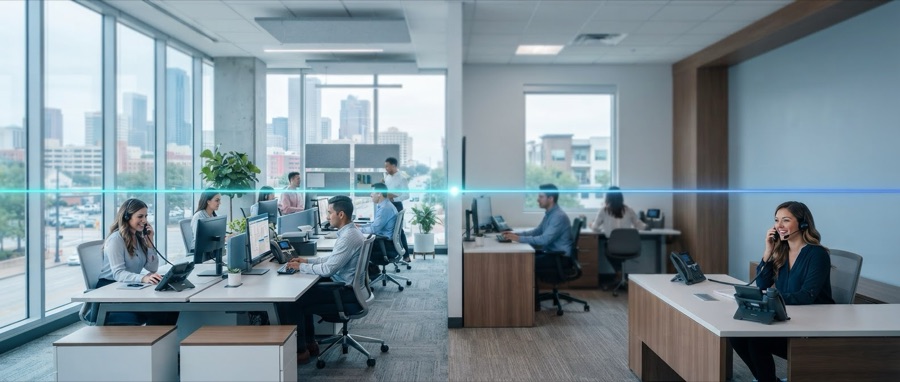
One system
Sites that behave as one company
- Extension dialing everywhere. Three digits reaches anyone in the company, whichever building they are in. No trunk codes, no dialing out and back in.
- Transfer across sites exactly as you would transfer down the corridor.
- One directory that everyone searches, rather than a printed list per building.
- Groups that span buildings — a support group can ring two desks in one office and one in another.
- Per‑site hours. One branch closing at four does not change how the other answers.
- Per‑site numbers and caller ID, so a local customer sees a local number.
- A registered address per site, which is what makes emergency calls reach the right building. The detail.
No hardware in each building
A traditional multi‑site system means a box at each location, links between them, and somebody responsible for all of it. If the link between two sites goes down, half the company stops being able to ring the other half.
Corinne is hosted. Each building needs an internet connection and nothing else. Sites do not depend on each other — if one office loses its connection, the others carry on entirely unaffected, and calls to the dark site follow whatever fallback you set.
Worth getting right
One registered address per building
This is the one multi‑site setting with a consequence you cannot undo later. A single registered address across three buildings means an emergency call from the second one sends responders to the first.
Corinne routes an emergency call to the registered address configured for that location. When you have several, each one is set up with its own address and its own emergency callback number, so a call from the warehouse presents the warehouse.
It is not automatic. The system does not work out by itself which building a handset is sitting in — that is a genuine limitation and we would rather state it plainly. It is configured, deliberately, per site, when we set you up, and it has to be revisited whenever you open, close or move a location.
What we need per site
- The full street address, including suite or floor where it would help somebody find the door
- A number at that site a dispatcher can call back
- Which extensions physically live there
- Who should be notified when 911 is dialed from that building
Arrangements that work well
One number, answered anywhere
A single main number rings reception at head office, and overflows to whoever is free at the other sites rather than going to voicemail because one person stepped away.
Local numbers, shared team
Each location keeps its own local number so customers ring somebody nearby, but calls land in one group and nobody is stranded when a site is quiet.
Follow the daylight
Sites in different time zones take calls while they are open, and the system hands over without anyone switching anything.
Home workers as a site
People working from home get an extension like everyone else — with a clear written position on what they should do about 911, which we will help you write.
Tell us how many buildings
It is the first question we will ask, because it changes the design and the emergency setup more than anything else.